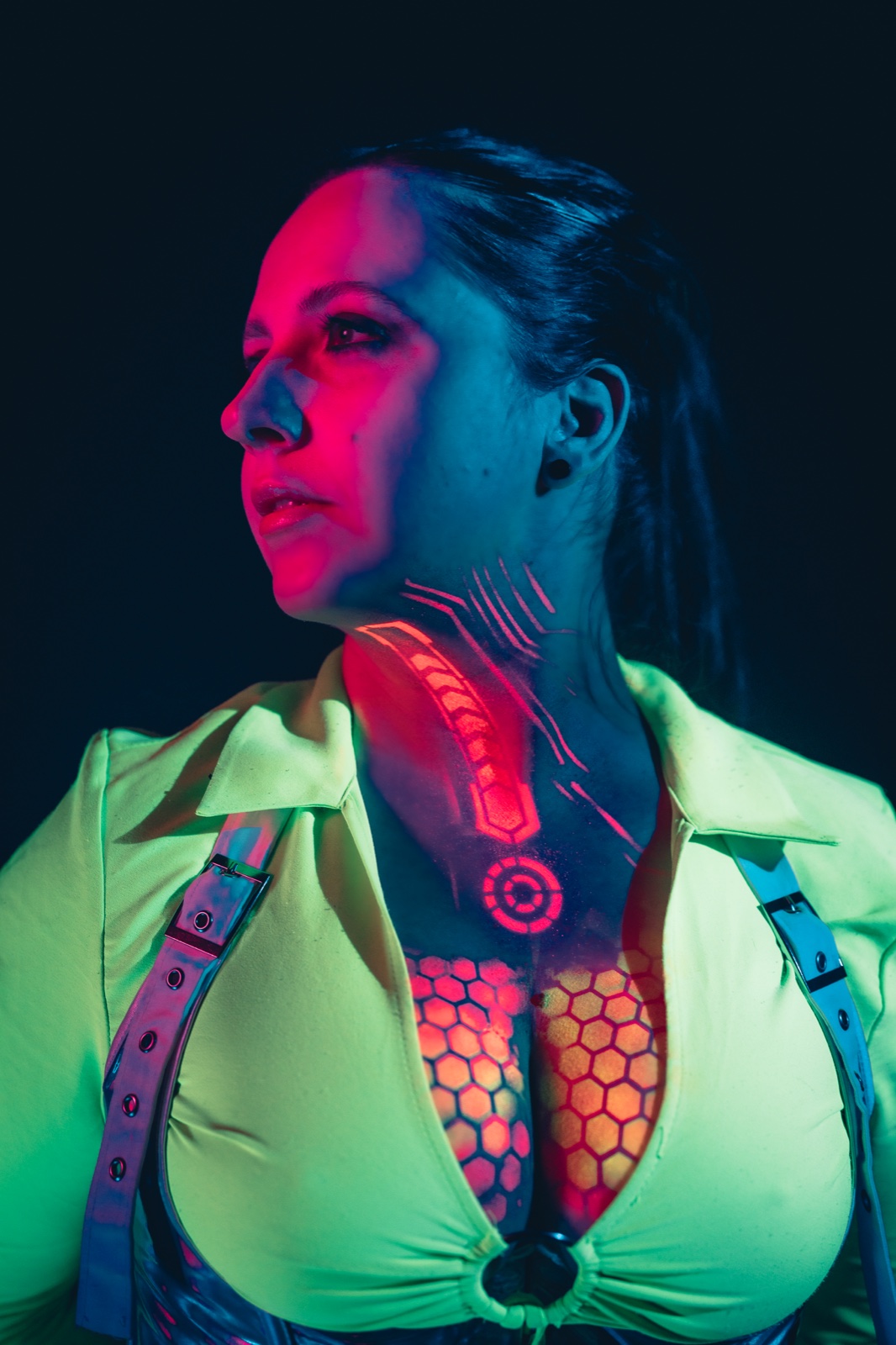
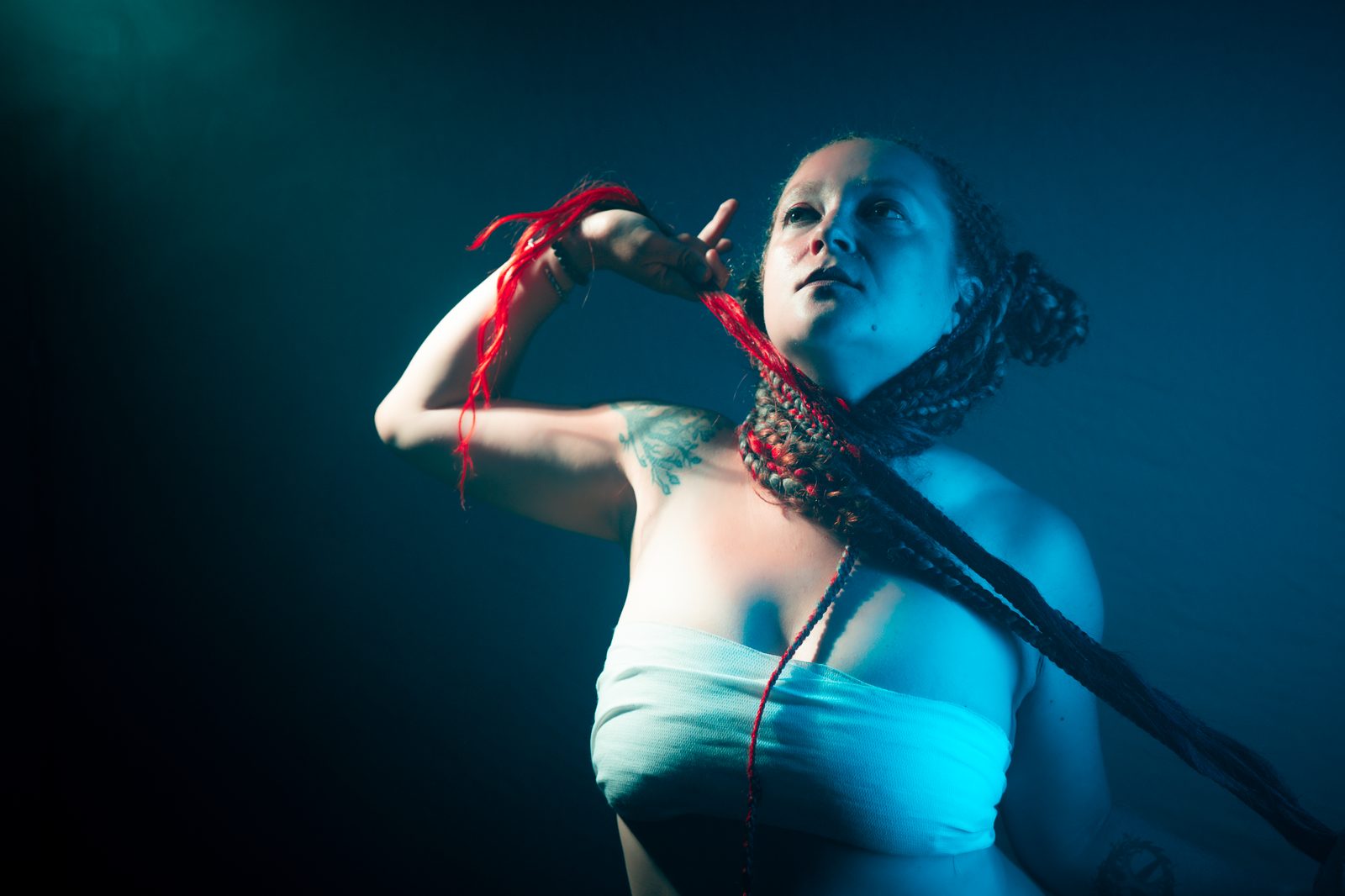
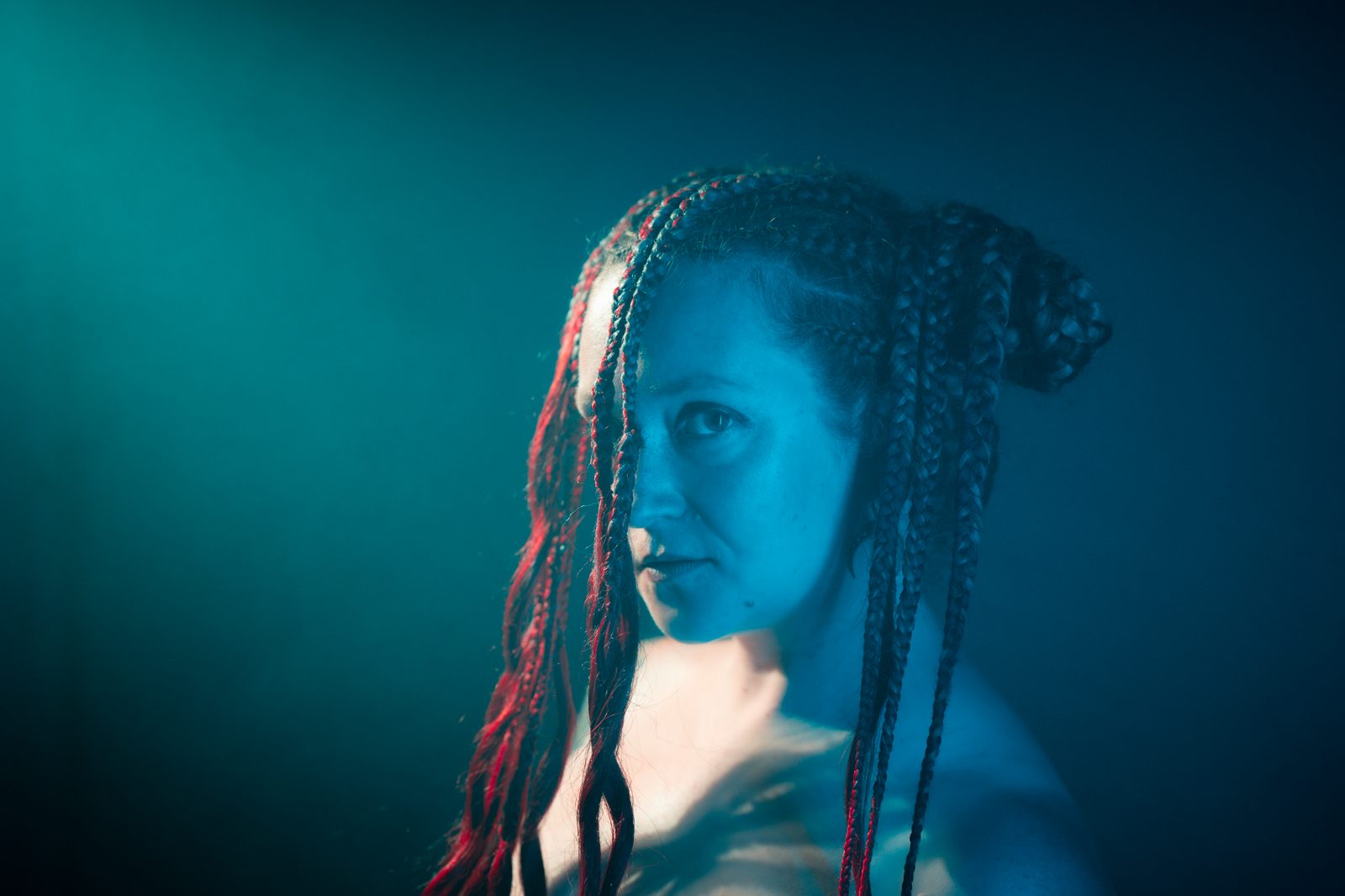
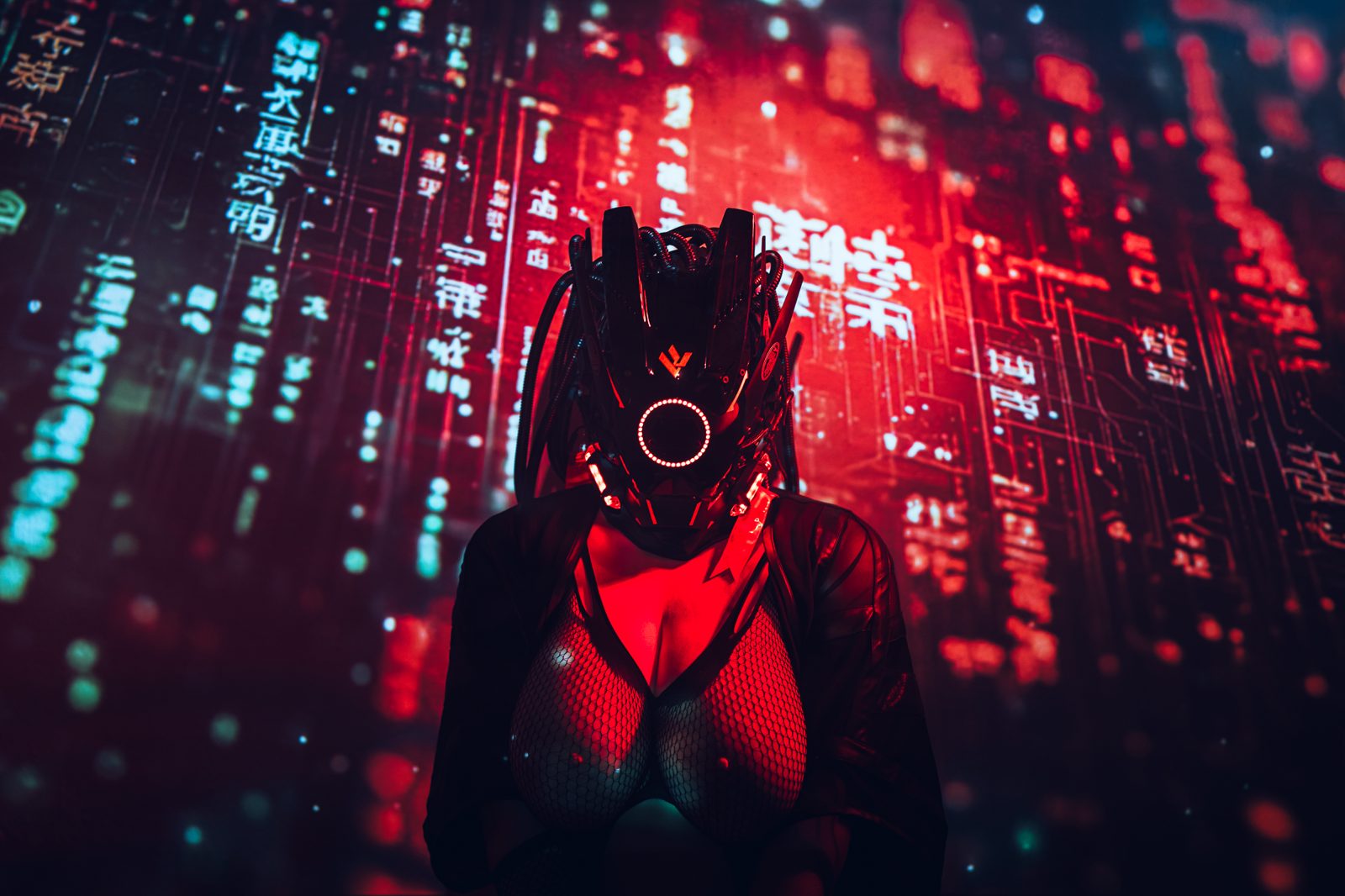
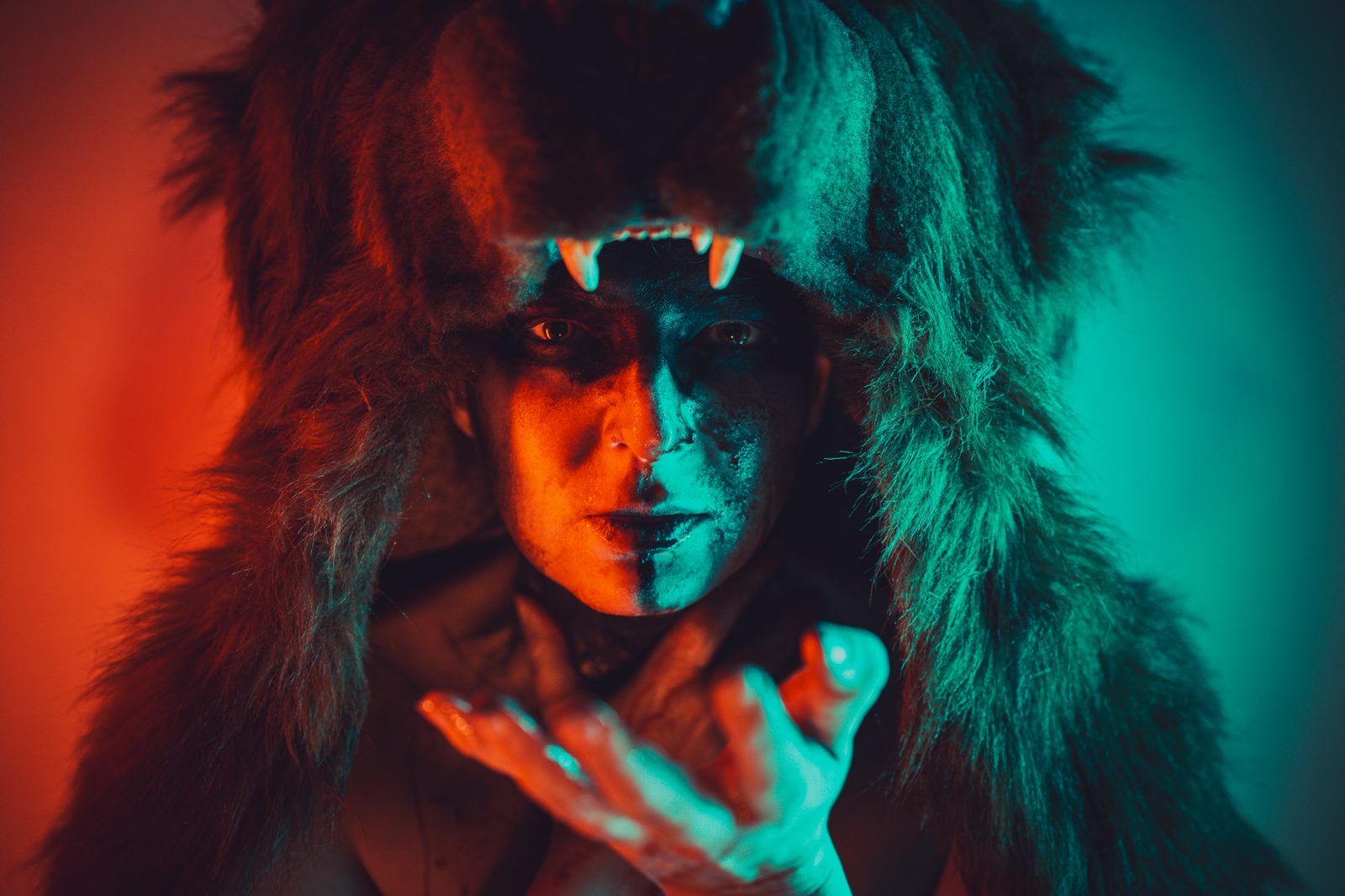
Cobalt has a first-class MCP server, so you can connect Claude — in Claude Desktop, Claude Code or claude.ai — and make a moodboard by chatting. Ask for the references, the columns and the notes; Claude builds the board while you talk.
Works with Claude, OpenAI Codex, Cursor & any MCP client
Name the look and the structure — "eight winter-editorial references, columns for wardrobe, lighting and location" — and the assistant creates the board, sorts the columns, pulls the reference images and writes a note in each. You stay in the chat; the canvas fills itself.
Once the assistant has built the moodboard, share it with one link. Your model, client or crew opens it in any browser — no account, no app, no sign-up — and can add their own references back if you turn on contribute mode.
Connect Claude to Cobalt over MCP, then talk to it like you'd brief an assistant. It calls the same tools you'd use by hand — it just does it in seconds, across the whole board, from a single prompt.
From a single message, the assistant creates the board, lays out the columns, pulls the references and drops a direction note into each one. Review it, keep what works, then share the link.
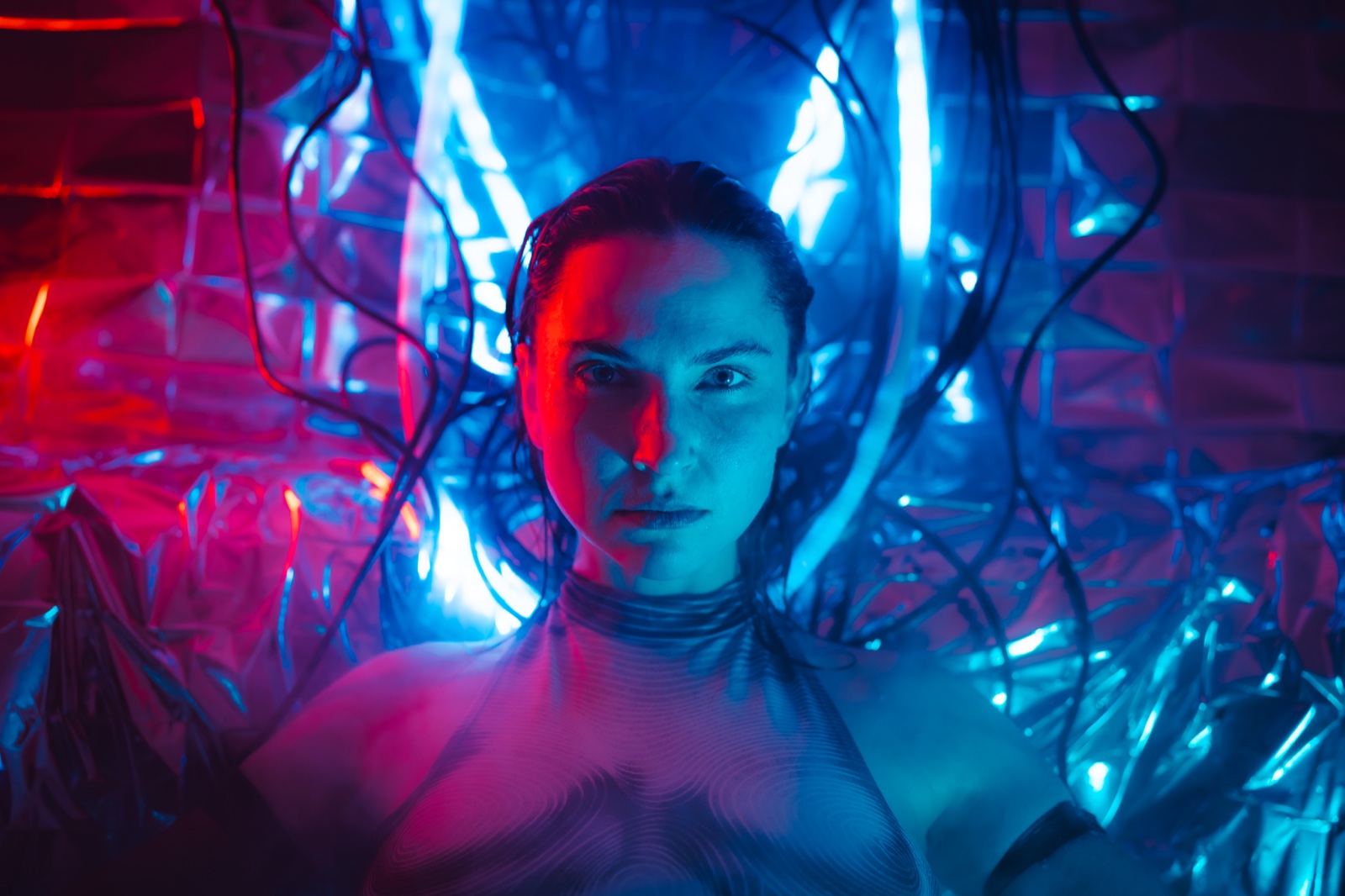
Paste your token into any MCP client, or connect via OAuth on claude.ai. A step-by-step walkthrough lives at the in-app MCP guide — no plugins, no scripting.
The assistant doesn't just dump pictures — it builds the layout. Ask for columns by wardrobe, lighting and location, and it organizes references and notes into the structure you described.
Ask "find every reference I saved for a film-noir portrait shoot" and the assistant full-text searches across all your boards, then pulls the matches onto a fresh board for you.
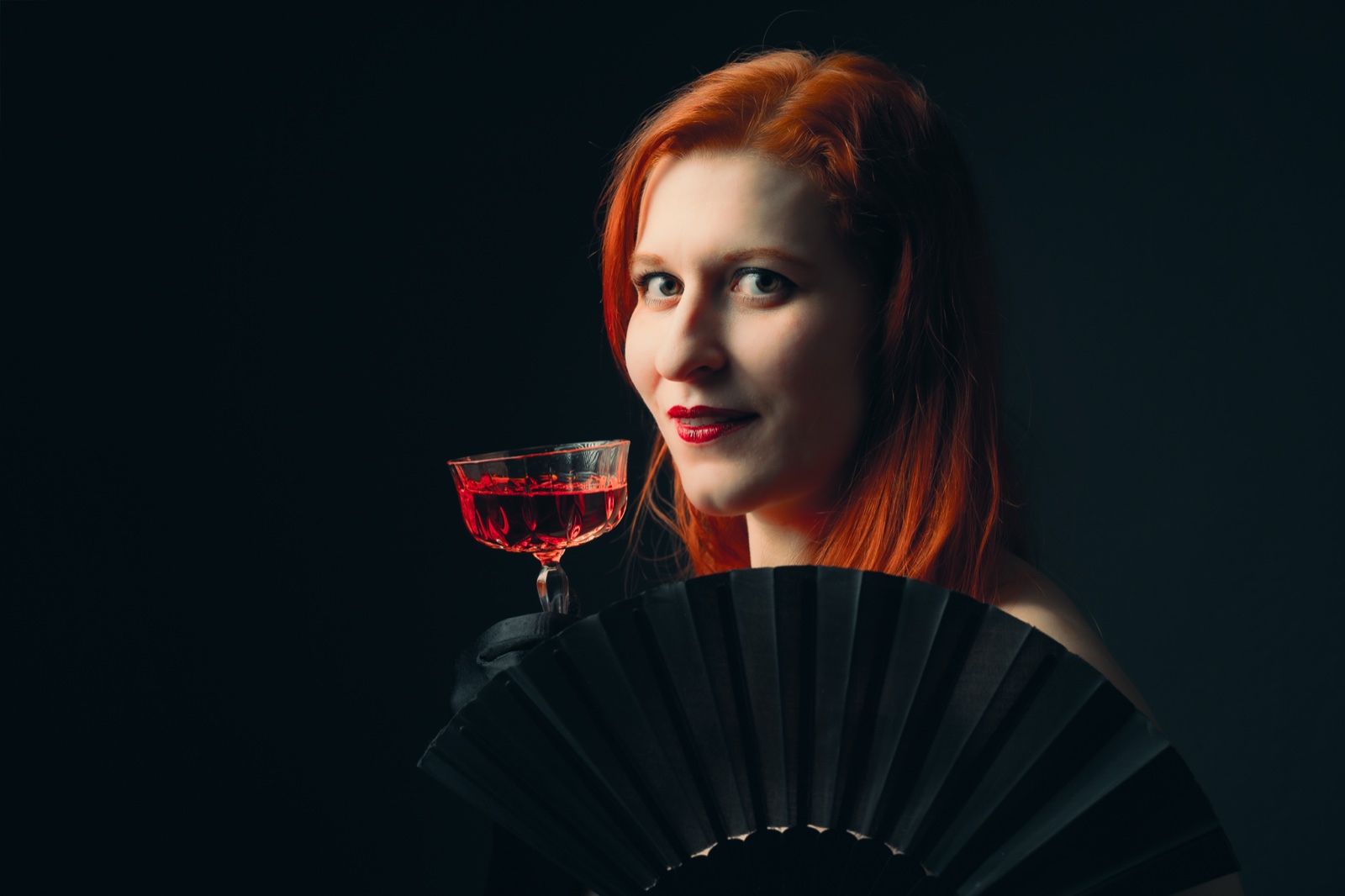
Real boards working photographers need. Each starts as one message to Claude and ends as a link you send to the crew.

Columns for lighting, wardrobe and expression. Claude pulls hard-light and venetian-blind references, low-key portrait examples and a styling note for each column — a complete brief before you brief the model.

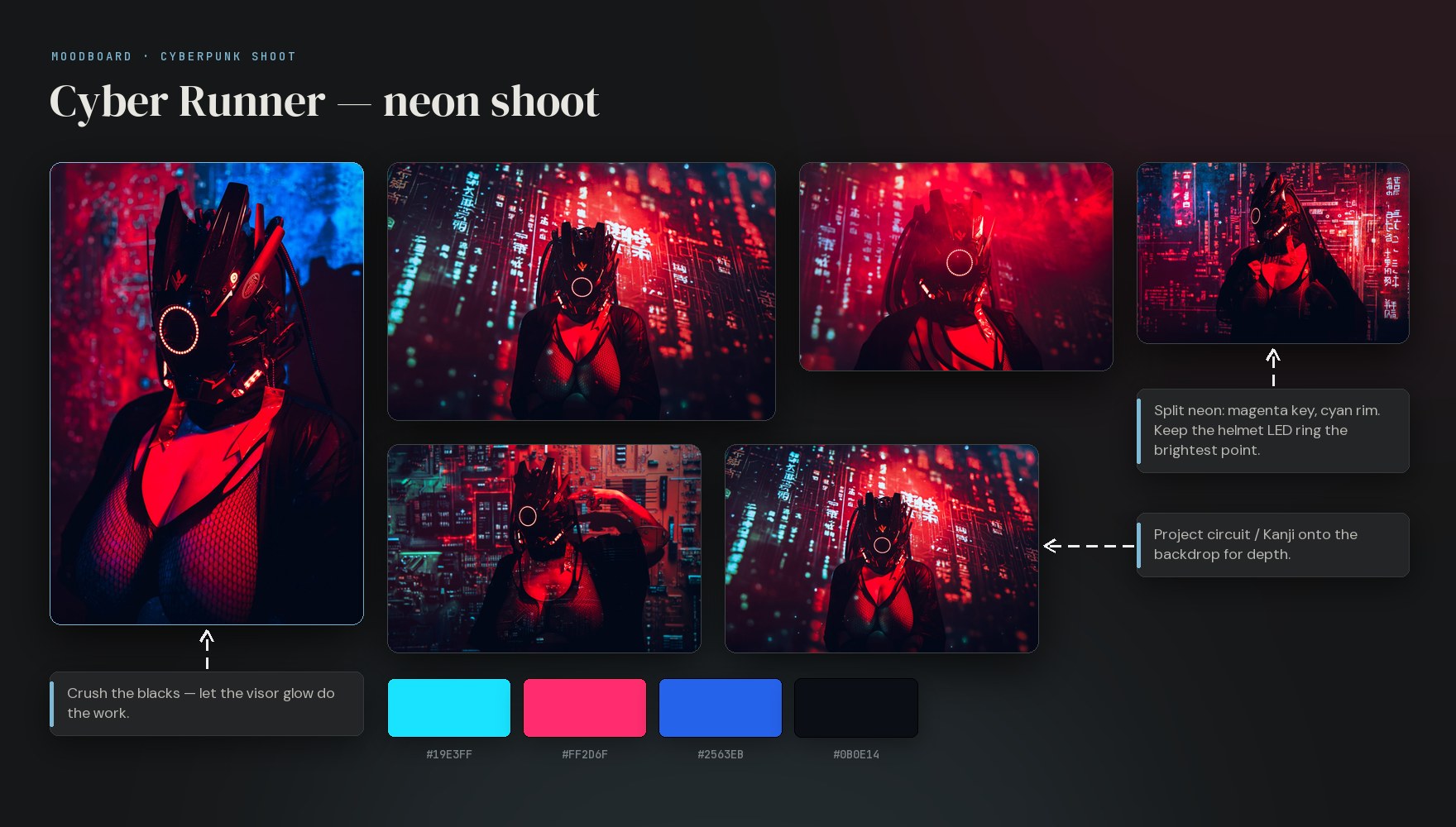
Ask for wardrobe, lighting and color-palette columns. Claude gathers tech-mask and circuit-backdrop references, pulls a magenta-and-cyan palette and writes a one-line direction note in each, so the whole team reads the same look.

Paste a messy email of requests and let Claude organize it — columns for must-haves, nice-to-haves and references, notes pulled from the brief. Share the link back so the client can confirm before the shoot.

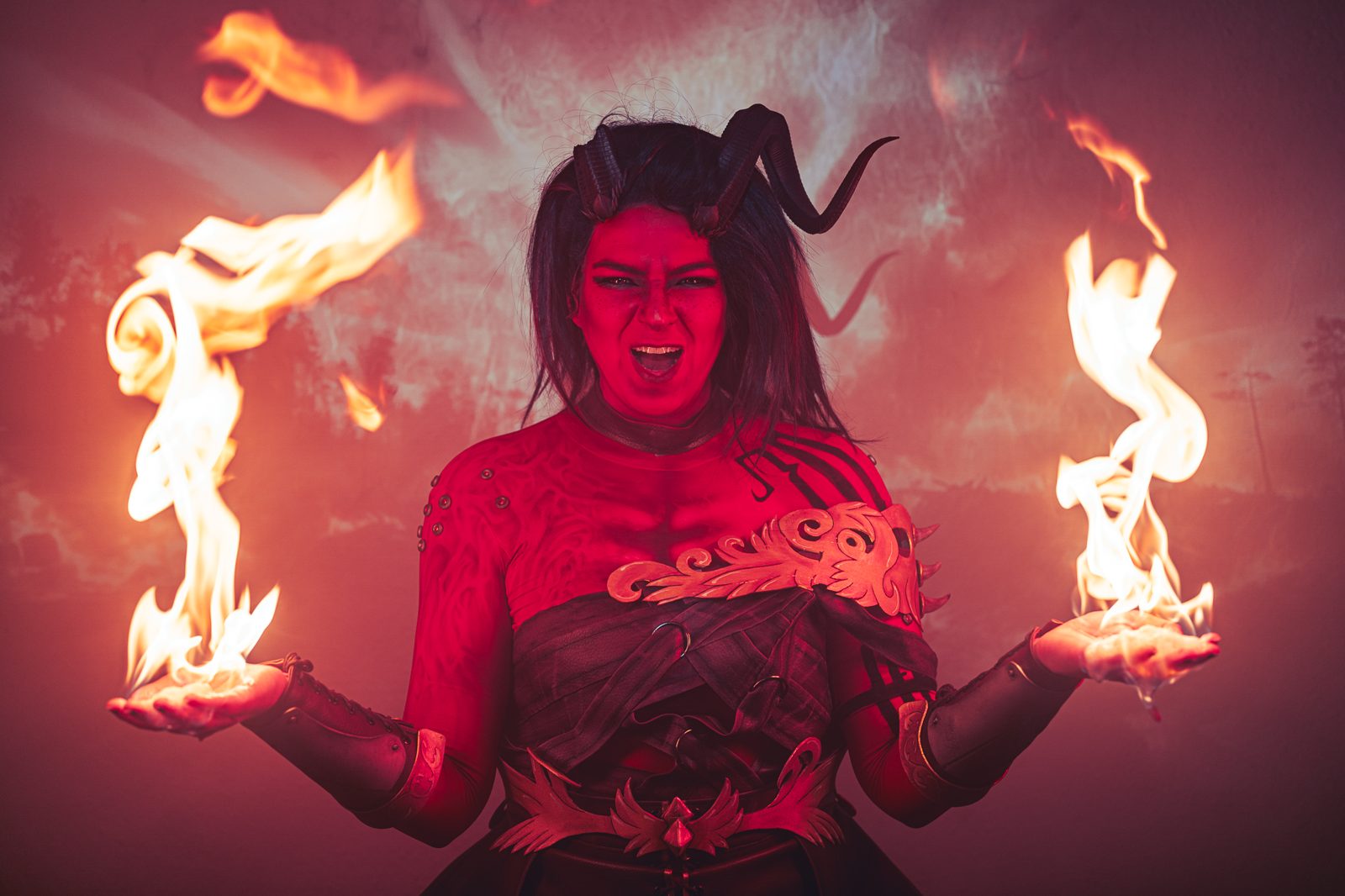
Columns for armor, horns, makeup and props, eight references and a build note in each. Claude creates the board and fills it, then you send the link to your photographer or commissioner — no account on their side.
Cobalt exposes an MCP server — the open protocol AI assistants use to work with external tools. When you ask for a board, the assistant calls these tools directly. Same actions you'd take by hand, run in seconds from one conversation.
Add your token in Settings or connect via OAuth on claude.ai, and the assistant can act on every board you own. Describe a shoot and it creates the board, lays out columns, pulls royalty-free reference images from vetted libraries (Pexels, Pixabay, CC0 museum collections), writes notes, and moves cards around — all without you leaving the chat.
Cobalt speaks plain MCP, so any MCP assistant can drive your boards — Claude, OpenAI Codex, Cursor, VS Code or Google Antigravity. Claude connects in one click (OAuth on claude.ai); other clients use your Cobalt token and server URL.
New to it? The in-app guide walks you through connecting any MCP client step by step: app.cobalt.photos/help/mcp.
Connect Claude to Cobalt and make your next moodboard by chatting — then share it with one no-login link. Cobalt is invite-only today; request access to get started.
The Cobalt web clipper (Chrome + Firefox) right-click-saves any image, link or text selection straight to a board — and keeps the source link for attribution. See the clipper →